Enterprise Reputation Management

Stop Bad Reviews.
Start Ranking Higher.

Managing 50 Google Profiles is a nightmare. Social by Vleafy automates your WhatsApp review requests, filters out 1-star complaints privately, and bulk-publishes your posts across every location instantly.

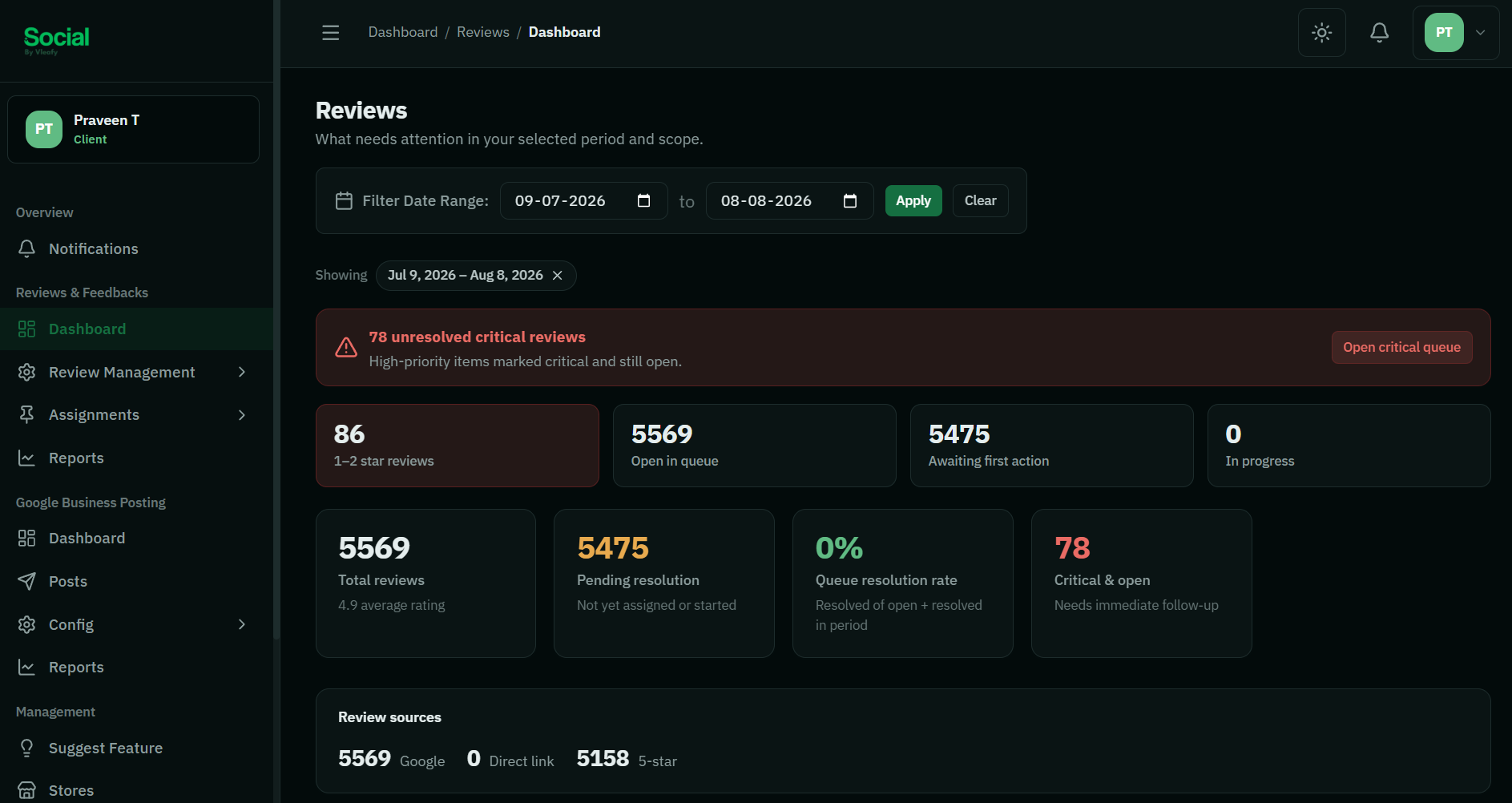
[ Dashboard Overview Screenshot Placeholder ]
+482 Reviews
Across 24 locations this month

Why multi-location brands fail at Local SEO

When you have dozens of locations, logging into separate Google accounts to post updates or reply to reviews is impossible. Ignoring it costs you foot traffic.

The Problem: Review Sabotage

One angry customer or fake review can permanently drop a store's rating from 4.5 to 3.8, pushing you off the first page of Google Maps.

The Solution: Smart Filtering

Our WhatsApp automation intercepts feedback. Happy customers are sent to Google. Unhappy ones are routed to an internal dashboard for private resolution.

The Benefit: Time & Scale

Manage all Google Business profiles from a single login. Schedule an entire month of promotional posts to 100+ stores via Excel in 5 minutes.

Our Core Solutions

Two Modules. Complete Control.

Built for Franchises & Agencies

Strict Role-Based Access Control (RBAC). Give individual Store Managers access to reply to reviews only for their specific branch, while Regional Directors oversee the whole group.

Module 01

Reviews & Feedbacks

The Problem:

You can't afford bad reviews on Google Maps, but asking every customer for a review manually is inefficient and risky.

  • Automated WhatsApp Requests

    Upload a list of daily customers. We automatically send a personalized WhatsApp message asking them to rate their experience.

  • The "Smart Filter"

    If they select 4 or 5 stars, they are seamlessly redirected to Google. If they select 1, 2, or 3 stars, they are sent to a private internal form, protecting your public rating.

  • Unified Inbox

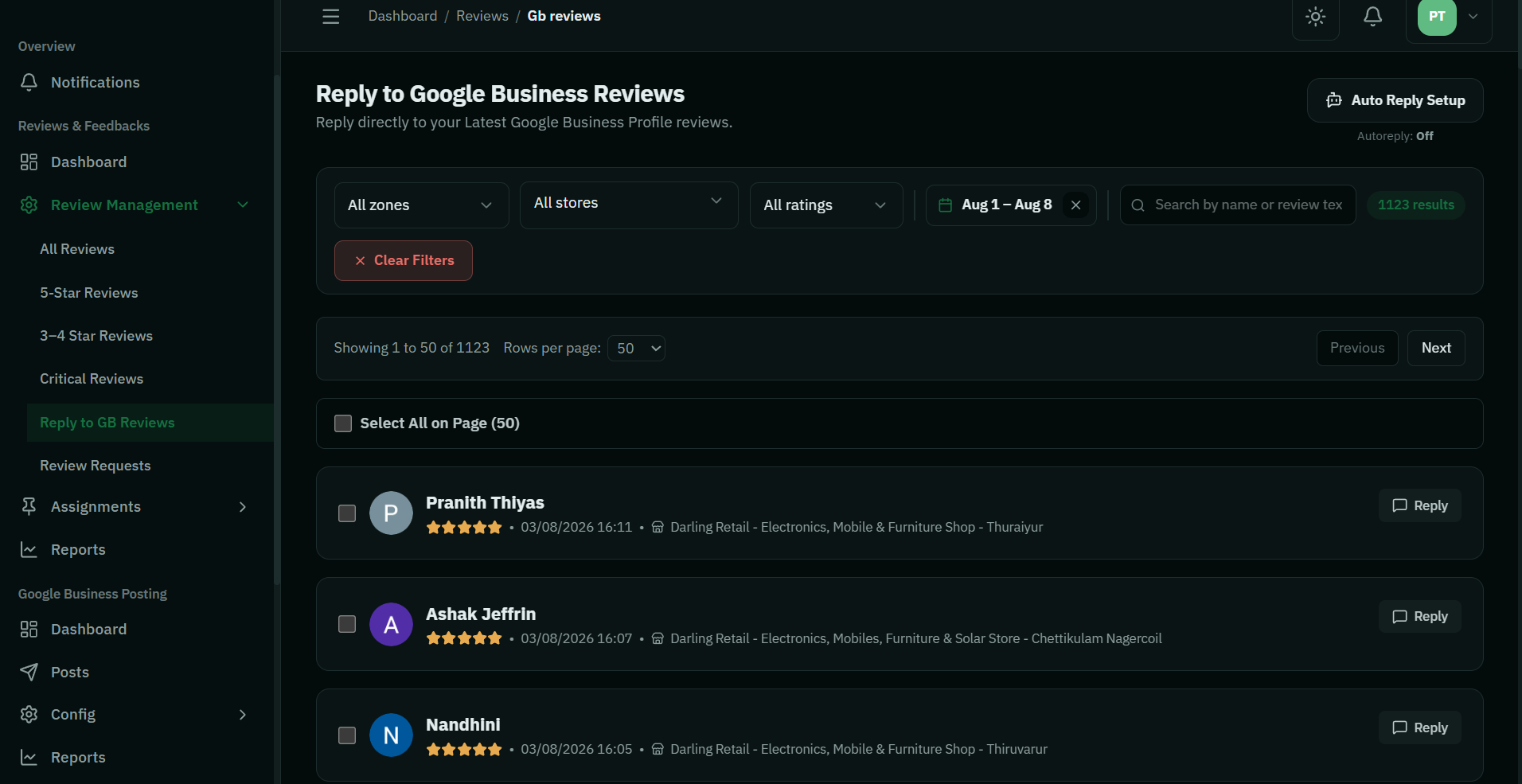
    Monitor and reply to live Google reviews for 50+ locations without ever logging into Google.

Book Demo
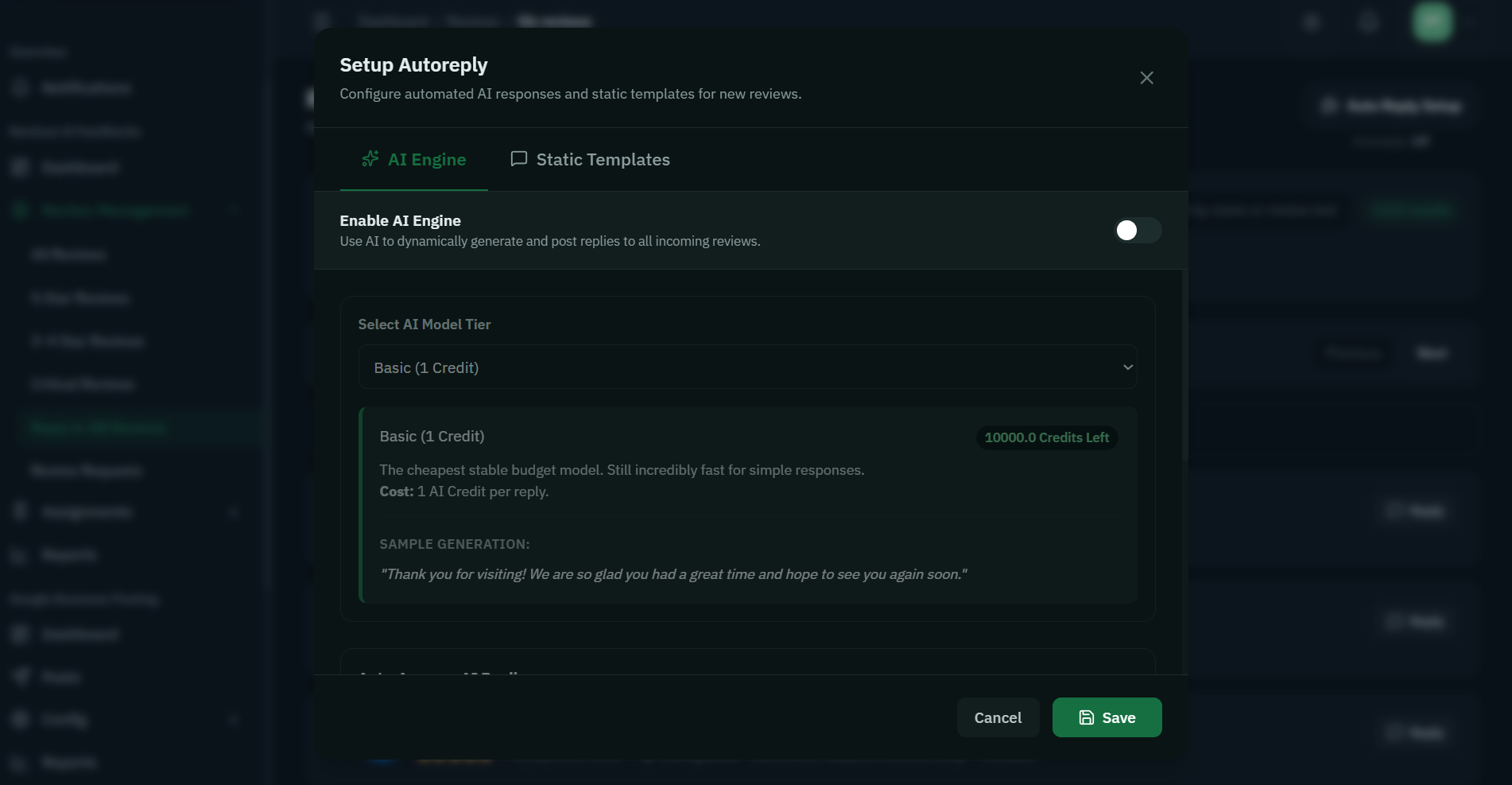
[ Reviews & Filter Dashboard Screenshot ]
Module 02

Google Business Posting

The Problem:

Posting a holiday offer to 40 different store listings means logging into Google 40 times, copying, and pasting for hours.

  • Bulk Multi-Store Publishing

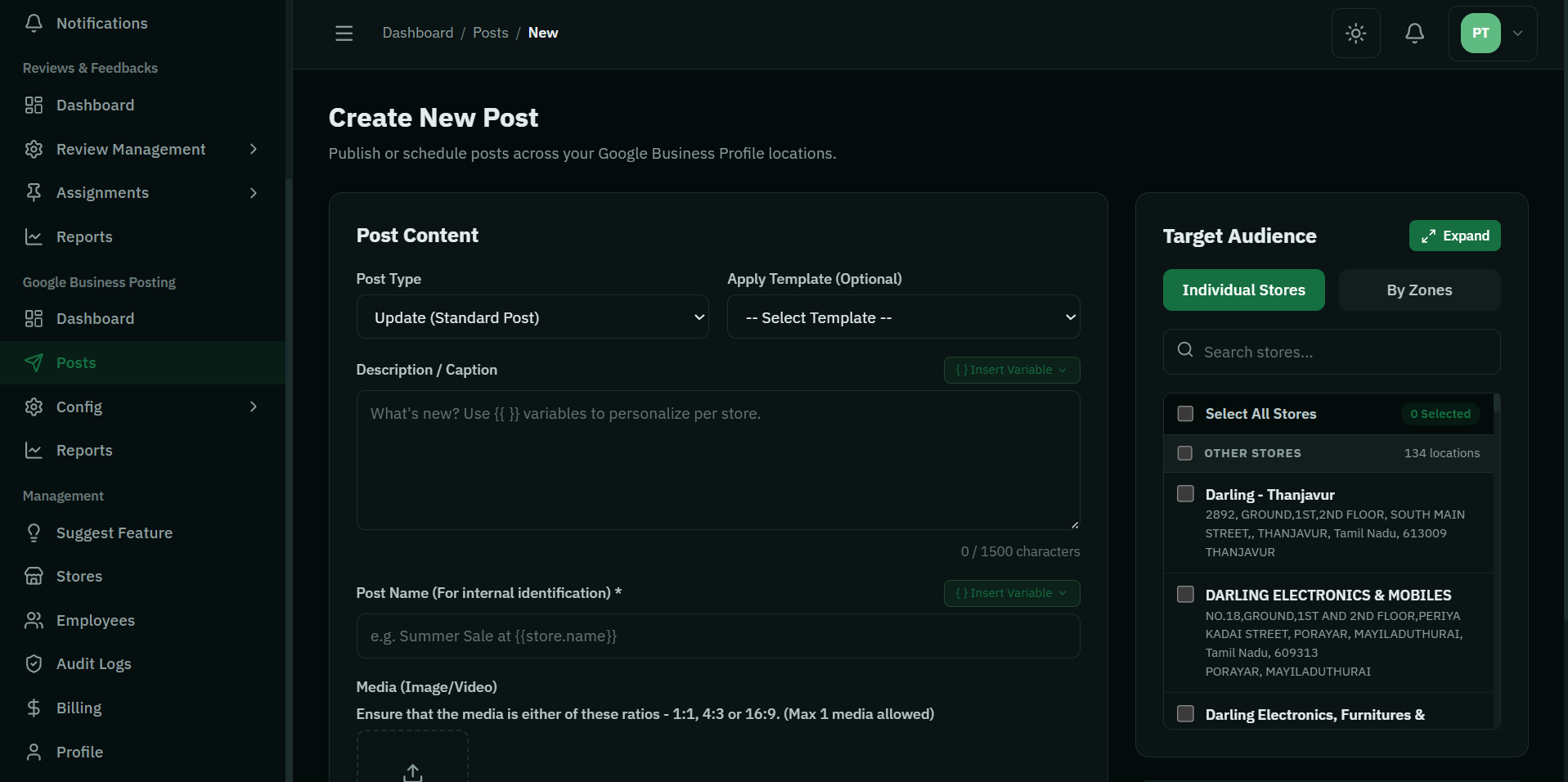
    Write your post once, select the stores you want from a simple checkbox list, and hit publish. Done in 30 seconds.

  • Excel Scheduling

    Plan your entire quarter. Upload our Excel template with dates, captions, and images, and our system will automatically post them on schedule.

  • Post Templates

    Save successful formats as templates so your store managers can reuse approved brand messaging easily.

Book Demo
[ Google Posting Dashboard Screenshot ]

How It Works

From onboarding to total automation in four simple steps.

1

Sync Google

Connect your Google Business account securely to pull in all locations automatically.

2

Invite Team

Add store managers and assign them to their specific locations for secure, isolated access.

3

Activate WhatsApp

Upload your customer list to trigger the Smart Filter review collection process.

4

Watch It Grow

Track your rising 5-star ratings and monitor multi-location post engagement from the analytics hub.

Frequently Asked Questions


No. We do not block anyone from leaving a Google review. We simply ask for their feedback via WhatsApp first. If they indicate a bad experience, we route them to an internal customer service form to resolve the issue directly with you, rather than venting publicly.

Yes! Social by Vleafy uses strict Role-Based Access Control. A store manager will only see the dashboard, reviews, and posting capabilities for their specifically assigned branch.

Not at all. You can select exactly which locations should receive a post. You can post to a single location, a specific state/region, or all 100 locations simultaneously.
Get Started

See Social by Vleafy in Action

Book a personalized demo. We’ll show you how to eliminate bad reviews and streamline your multi-location marketing.

hello@vleafy.com